|
|
Version 4.1 |

Spell Checking Map & Layout Annotations
|
||
|
Spell Checking Map & Layout Annotations |
||
|
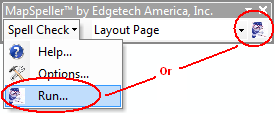
By default, map and layout annotations are proofed from the Run command on the MapSpeller toolbar or from its dropdown menu.
Map and layout annotations are also called annotation graphics or text graphics. They are text elements stored within ArcMap™ documents.
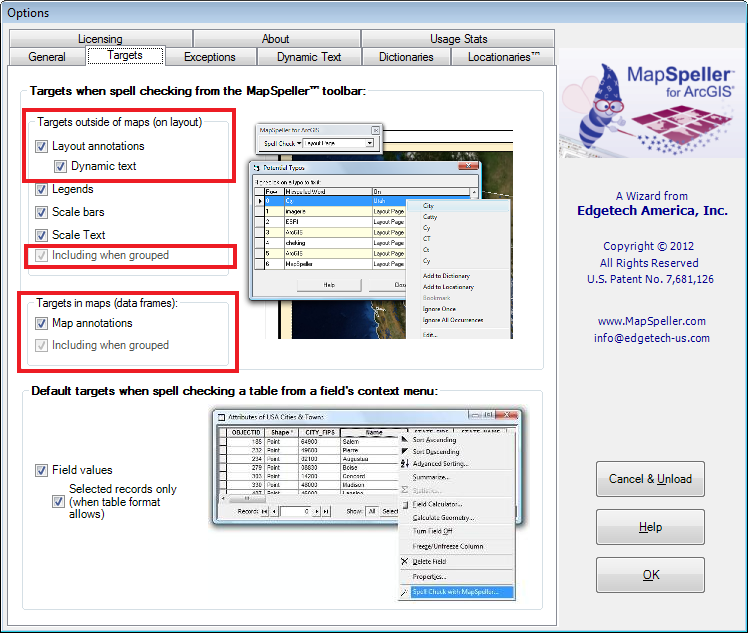
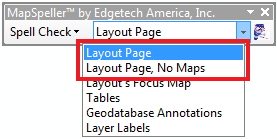
Since ArcGIS 10, layout annotations can contain dynamic tags. When they do, they are called dynamic text. The tags point to information outside of the annotation, such as the user login name, the computer name, when was the map last printed. MapSpeller can proof dynamic text. For map and layout annotations to be proofed by the Run command, two conditions must be met:
When spell checking layouts or maps, MapSpeller 4.0 doesn't differentiate text objects based on their belonging to grouped graphics. If the type of object is set to be spell checked, all their occurrences will be spell checked regardless of their positions within or outside of grouped graphics. This is very convenient to end users as grouped graphics don't have to be broken down to their individual objects for them to be spell checked. |
|
| Additional Information | |
|
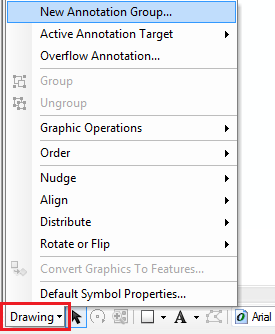
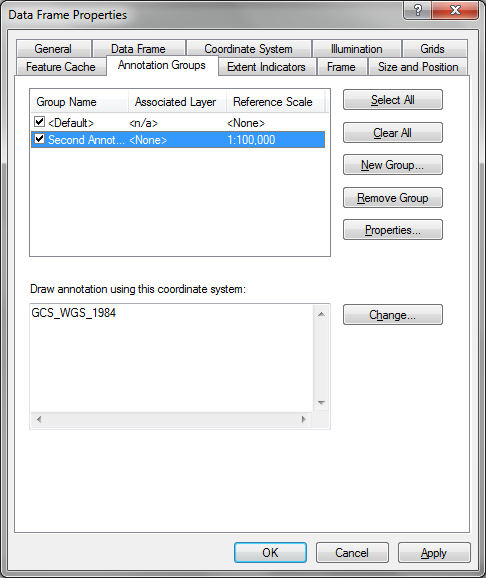
Map annotations are organized in annotation groups which can be
controlled by the ArcMap Draw toolbar and from the Data Frame
Properties dialog. MapSpeller proofs the visible annotations within
all groups.
|
|
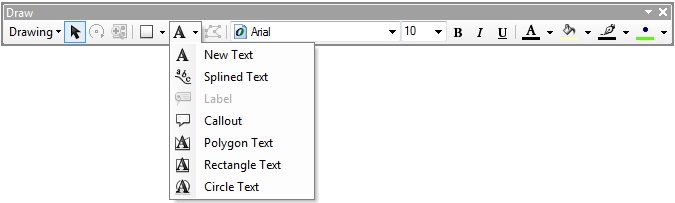
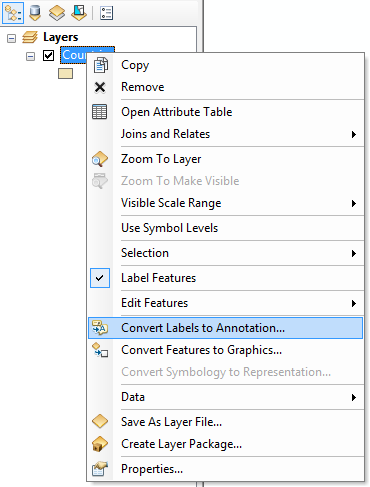
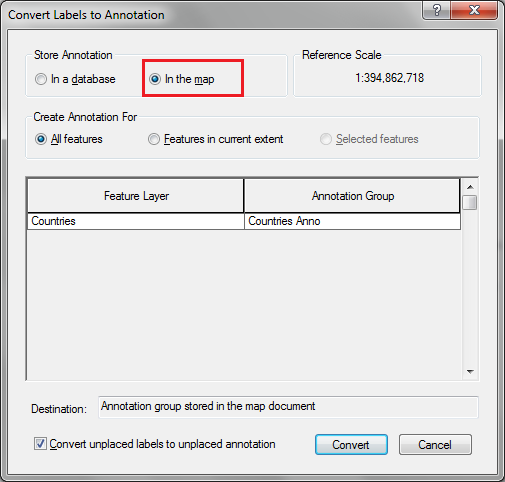
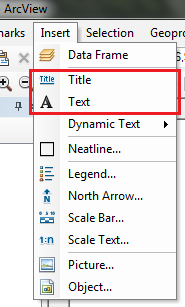
| Map and layout annotations are typically added: | |
|
|
|
|
|
|
| Related Topics | |
|
|
|
|
MapSpeller™ for ArcGIS® |
|
|
|